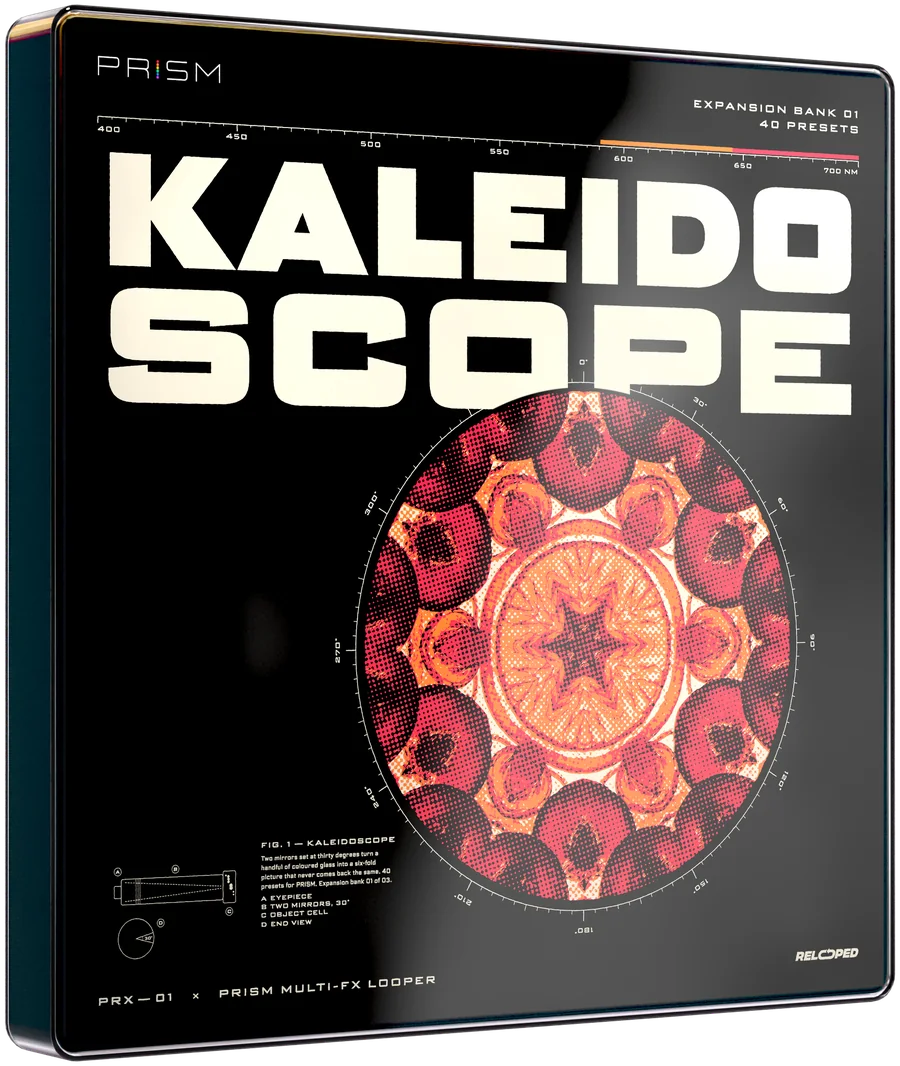
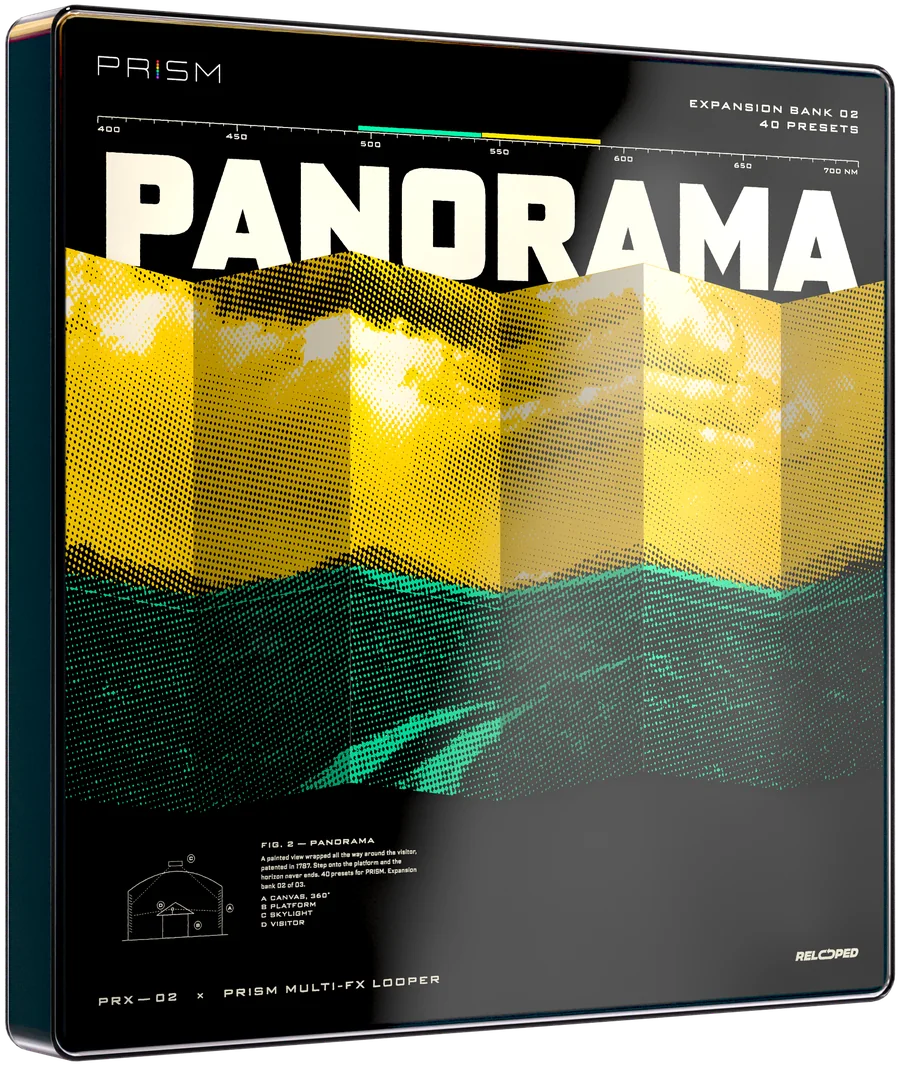
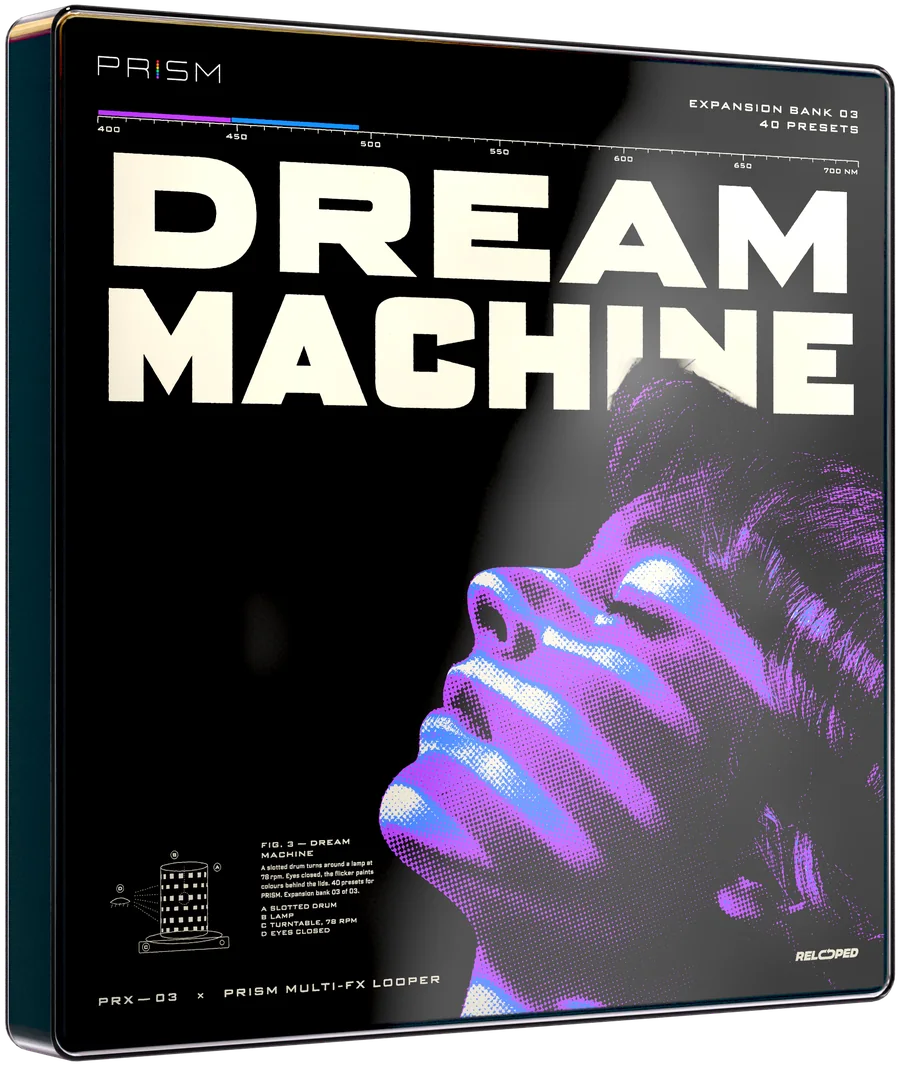

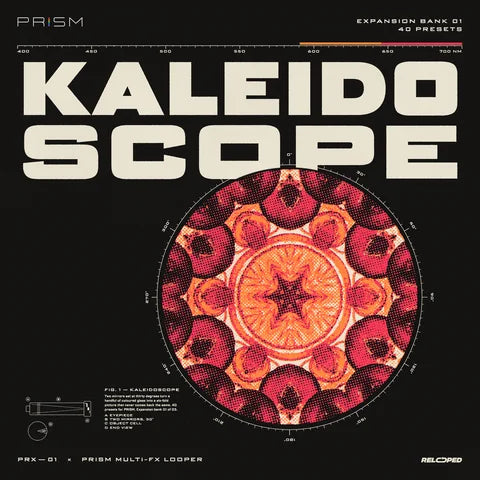
Kaleidoscope expansion bank box
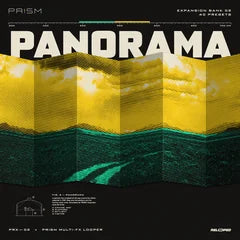
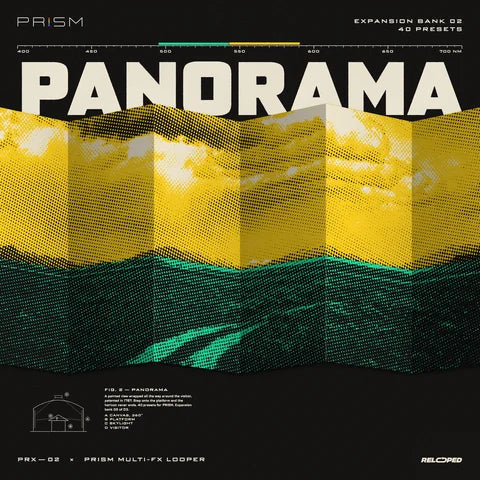
Panorama expansion bank box
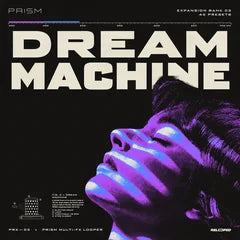
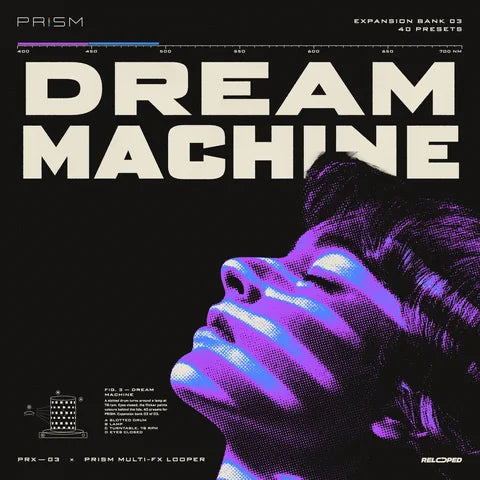
Dream Machine expansion bank box

PRISMExpansion
Banks

Three new preset banks for PRISM. 40 presets each, made from scratch.

Choose your banks

Requires PRISMMacWindowsInstant download

Three banks.
Hear them.

Each bank has its own mood and 40 presets. Hit play to hear a few of them, one after another.

Expansion bank 01 · 40 presets

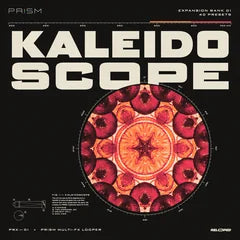
Kaleidoscope

Bright, playful, always moving.

Demo · 4 presets0:00 / 0:49

DISCO BALL

GLITCH, SHIMMER

  • Grain
  • Echo
  • Space
  • Vinyl
  • Reverse
  • Drive
01 / 04

In this demo

Bright presets with lots of movement: jumping grains, bending echoes, warped tape and punchy drive. Great for bringing a simple loop to life.
Expansion bank 02 · 40 presets

Panorama

Wide and cinematic.

Demo · 4 presets0:00 / 0:52

DUSTY REVERSE

VINTAGE, TEXTURE

  • Grain
  • Echo
  • Space
  • Vinyl
  • Reverse
  • Drive
01 / 04

In this demo

Big, open presets: wide rooms, slow echoes, dusty tape and dark spaces that grow over a few bars. Made to turn a simple loop into something huge.

Expansion bank 03 · 40 presets

Dream Machine

The experimental one.

Demo · 4 presets0:00 / 0:54

CAROUSEL

WARPED, MODULATED

  • Grain
  • Echo
  • Space
  • Vinyl
  • Reverse
  • Drive
01 / 04

In this demo

Strange, hypnotic presets built on tricks the factory presets don't use: pitch spirals, effects feeding into each other, rooms that jump. Still usable on a full beat.

Made for PRISM.

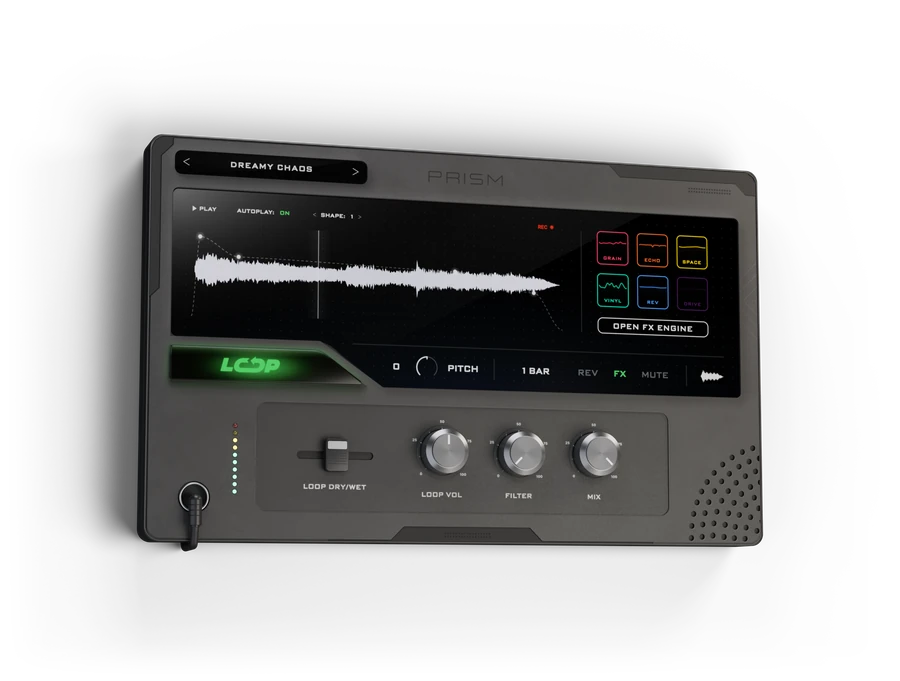
Expansion banks add new presets to PRISM. They show up right in the preset browser, next to the factory presets.

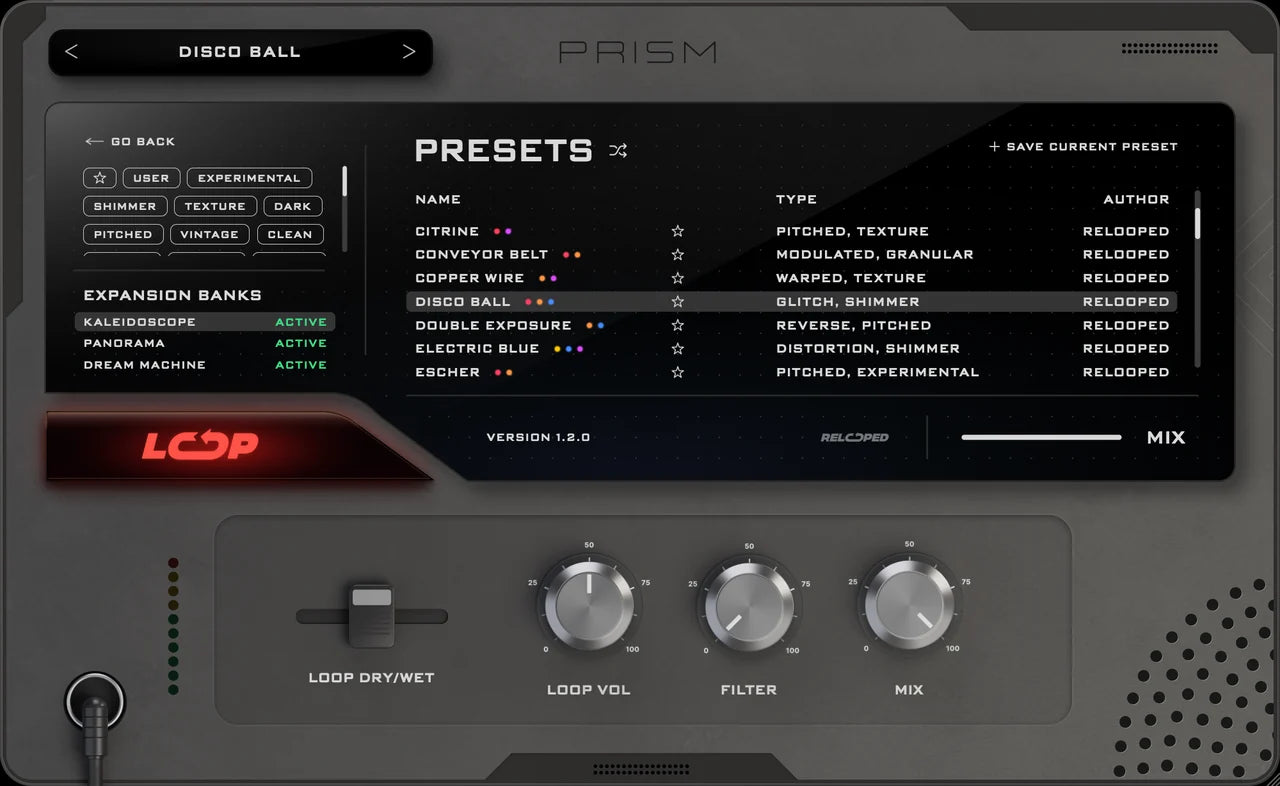
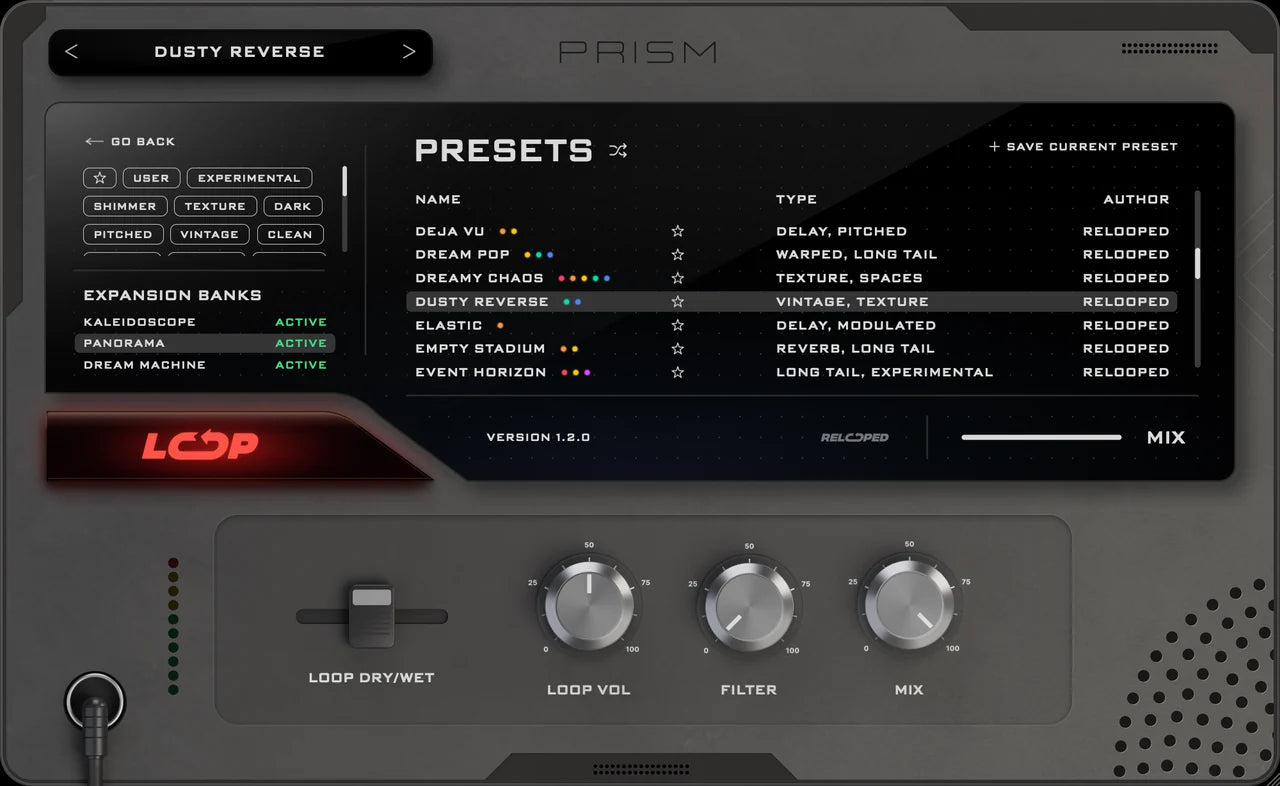
PRISM, PRESETS page: all three expansion banks are active, Kaleidoscope is selected and its presets are listed.PRISM, PRESETS page: all three expansion banks are active, Panorama is selected and its presets are listed.PRISM, PRESETS page: all three expansion banks are active, Dream Machine is selected and its presets are listed.
PRISM · Presets page Expansion banks Every bank you own shows up here. Click a bank to see only its presets.
  1. 01DownloadYour bank arrives as a ZIP right after your order.
  2. 02Drop it inIn PRISM, click + Activate next to the bank. The Expansions folder opens. Drag the bank folder in.
  3. 03PlayThe bank shows up within seconds. No restart.

Requires PRISM, the Multi-FX Looper for Mac and Windows. Expansion banks don't run on their own.

Get PRISM

Get all three.

120 presets for $49 instead of $75.

  • 120 custom-built PRISM presets designed from scratch: textures, delays, spaces, lo-fi, glitch and more.
  • Not in the factory set — every preset is new and only comes with the banks.
  • Movement in time with your track — LFOs synced to your tempo keep the sound moving.
  • Right inside PRISM — the banks show up in the preset browser. Just load, play and create.
Choose your banks

Requires PRISMMacWindowsInstant download

FAQ

Do I need PRISM?

Yes. Expansion banks are presets for PRISM and don't run on their own. PRISM runs on Mac (AU, VST3, Standalone) and Windows (VST3, Standalone). Get PRISM

How do I install a bank?

Unzip the download. In PRISM, open the PRESETS page and click + Activate next to the bank: the Expansions folder opens. Drag the bank folder in. The bank shows up within a few seconds, no restart.

What is an expansion bank?

A folder of 40 new presets for PRISM. Each preset is a complete PRISM setting: the effects, their order and the LFOs. Load one and it changes the sound of whatever runs through PRISM.

Does it work on Mac and Windows?

Yes. The banks are the same on Mac and Windows, in every DAW that runs PRISM.

Are these presets already in PRISM?

No. PRISM comes with its own factory presets. Every preset in the expansion banks is new and only comes with the banks.

Can I buy one bank now and the others later?

Yes. Each bank is $25 on its own. All three together are $49.

How do I get my banks after I buy?

Right after your order you get the download. One ZIP per bank.

PRISMExpansion Banks All 3 banks120 presets

$49$75