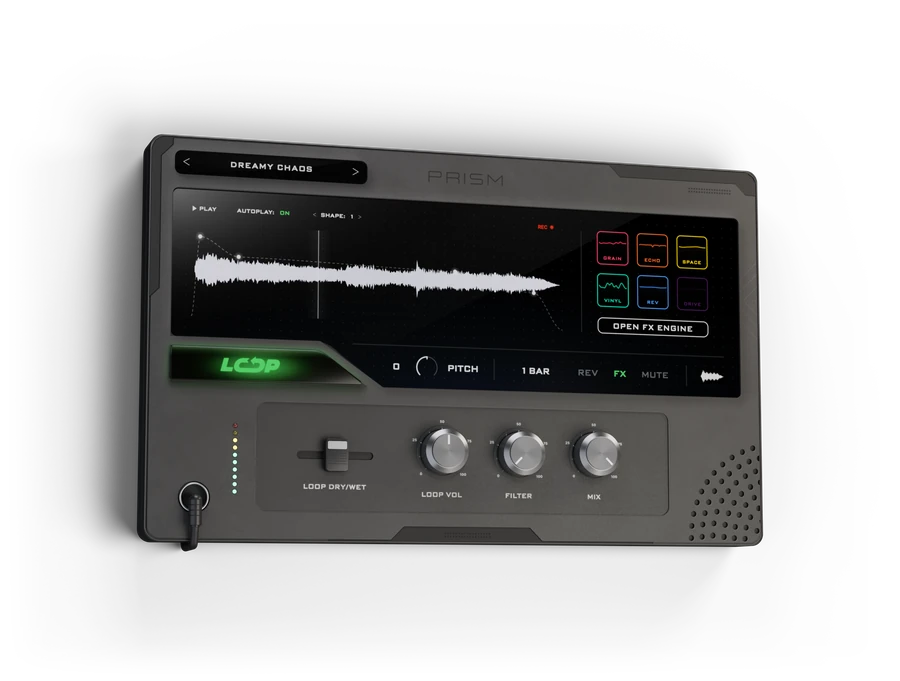
Multi-FX Looper
Six effects and a looper in one plugin.
On your phone? PRISM runs on Mac and Windows. Send yourself the link and download it on your computer.
Get started in 3 steps
Download
Get the ZIP above. Inside are the Mac and the Windows installer, a one-page installation guide and the user guide.
Install
Mac: in the macOS folder, open the DMG and double-click Install PRISM.pkg. This installs AU, VST3 and the standalone app.
Windows: in the windows folder, run the setup. This installs VST3 and the standalone app.
Then open your DAW and rescan your plugins.
Activate
Open PRISM in your DAW. Enter your email, a new password and your serial number, then hit ACTIVATE. You do this once per computer. After that, PRISM works offline.
Your serial number is in your order email. It can take up to 10 minutes to arrive.
Multi-FX Looper
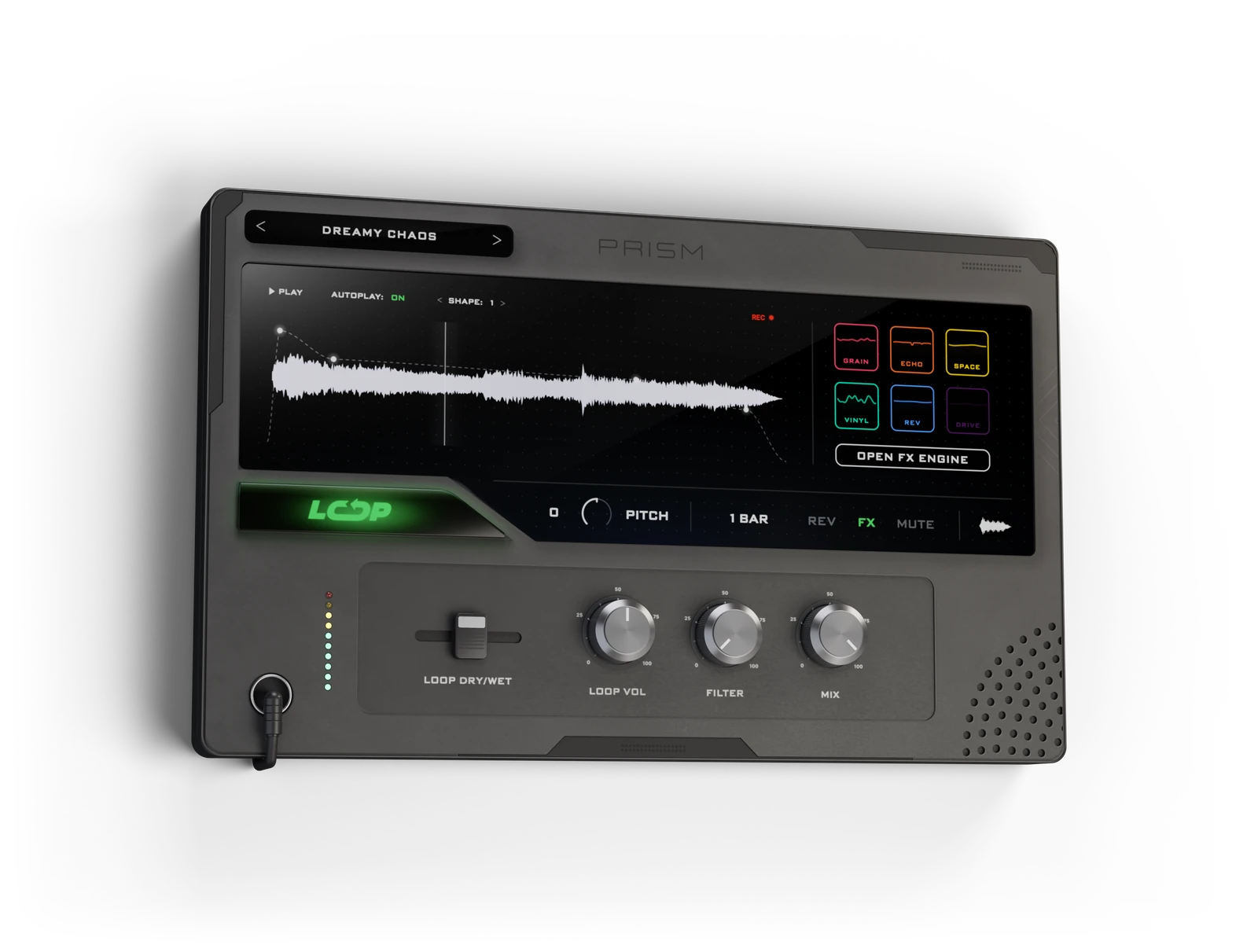
Six effects, three LFOs and a looper that’s always listening.

- Six effects
- Grain, Echo, Space, Vinyl, Reverse and Drive. In a chain, in parallel or in a spiral.
- Looper
- Hit LOOP and it catches the bars you just played, then pitch, flip and reshape them.
- Presets
- Factory presets sorted by type, your favourites and your own.
- Formats
- AU, VST3 and Standalone on Mac. VST3 and Standalone on Windows.
Runs on
Mac
- System
- macOS 10.15 or newer
- Processor
- Apple Silicon and Intel
- Formats
- AU, VST3, Standalone
Windows
- System
- Windows 10 or 11, 64-bit
- Processor
- 64-bit Intel or AMD (x64)
- Formats
- VST3, Standalone
Activation needs an internet connection once, then PRISM works offline. One serial number works on 2 computers.
Need help?
No serial number yet?
It comes by email after your order and can take up to 10 minutes. Check your spam folder too.
PRISM is not in your DAW?
Rescan your plugins. In FL Studio: Options > Manage plugins > Find installed plugins.
Second computer?
Install PRISM there, choose LOG IN and use the same email and password. One serial number works on 2 computers.
New computer?
Write to info@relooped.de and we move your activation.
Forgot your password?
Choose LOG IN, then FORGOT PASSWORD? and we email you a link to set a new one.
Where are the guides?
In the ZIP, next to the installers: the installation guide (every step on one page) and the full user guide.
Anything else? Write to us:info@relooped.de